
The FAQ stays focused on plans, sharing, Add From Photo, AI help, and multiple homes.
FAQ
Questions about the app.
Answers about plans, shared homes, Add From Photo, AI help, and how the app works today.
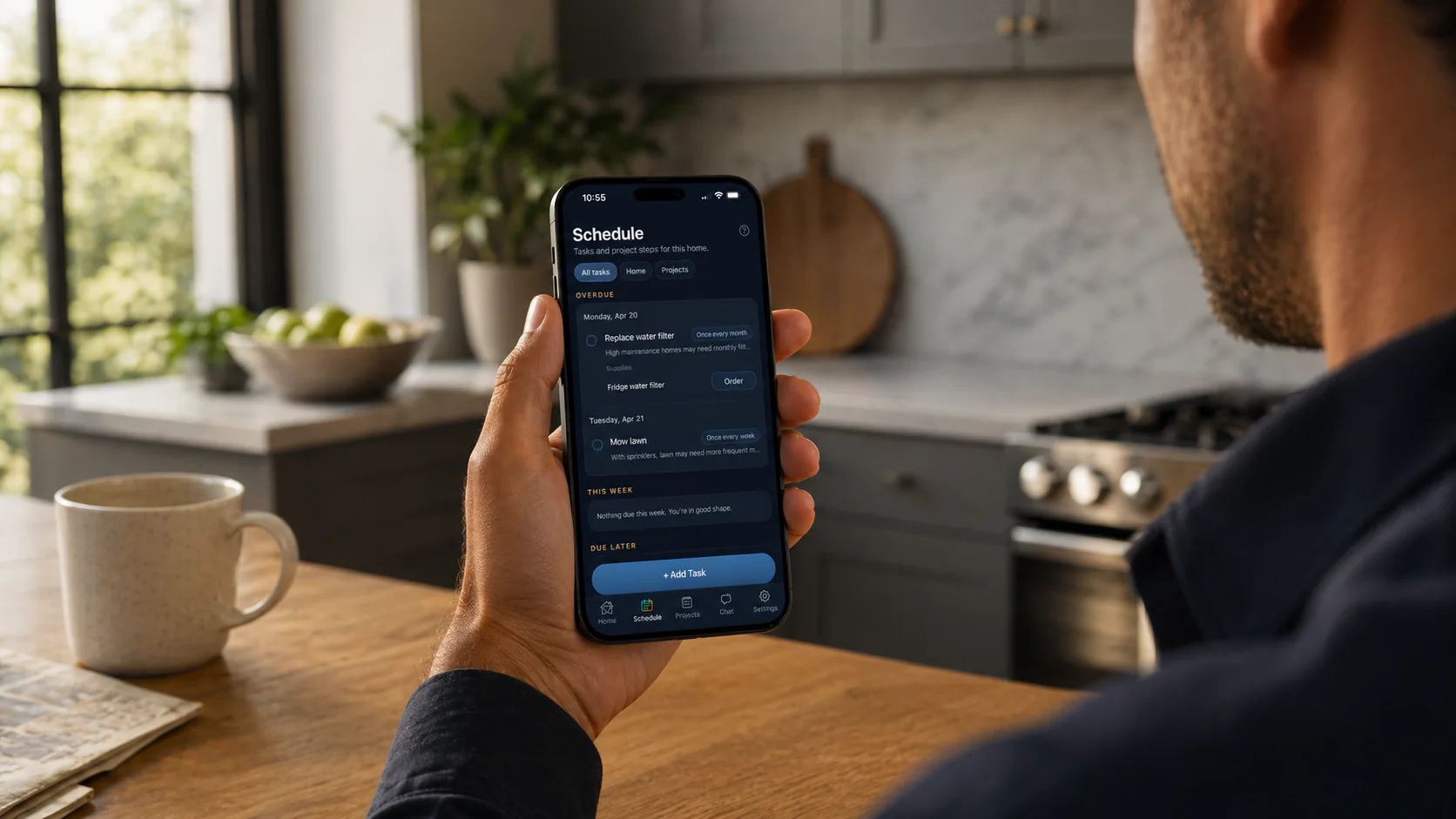
Short version: each home gets its own memory for tasks, supplies, equipment, projects, and house history.
Home memory
Shared homes
Add From Photo
Web app
Plans
Available now
Heart Of The House is available now on iPhone, Android, and the web.
Shared homes
The people who run the home can work from the same home memory instead of maintaining separate lists and notes.
Plans that scale
Use one home, then grow into shared or multi-home routines without changing the underlying system.
What people ask first
The big topics at a glance.
Most questions come down to the same few things: what the app keeps track of, how plans differ, what AI and photo help do, and which page goes deeper.
Related pages
Pick the angle that matches the question.
Product basics
What Heart Of The House is, what home memory means, and what the app covers today.
Plans and scaling
How Free, Pro, and Portfolio change sharing, saved links, AI help, and the number of homes you can keep organized.
AI and photo help
Where AI, photo help, and Add From Photo show up in the app without replacing the saved home record.
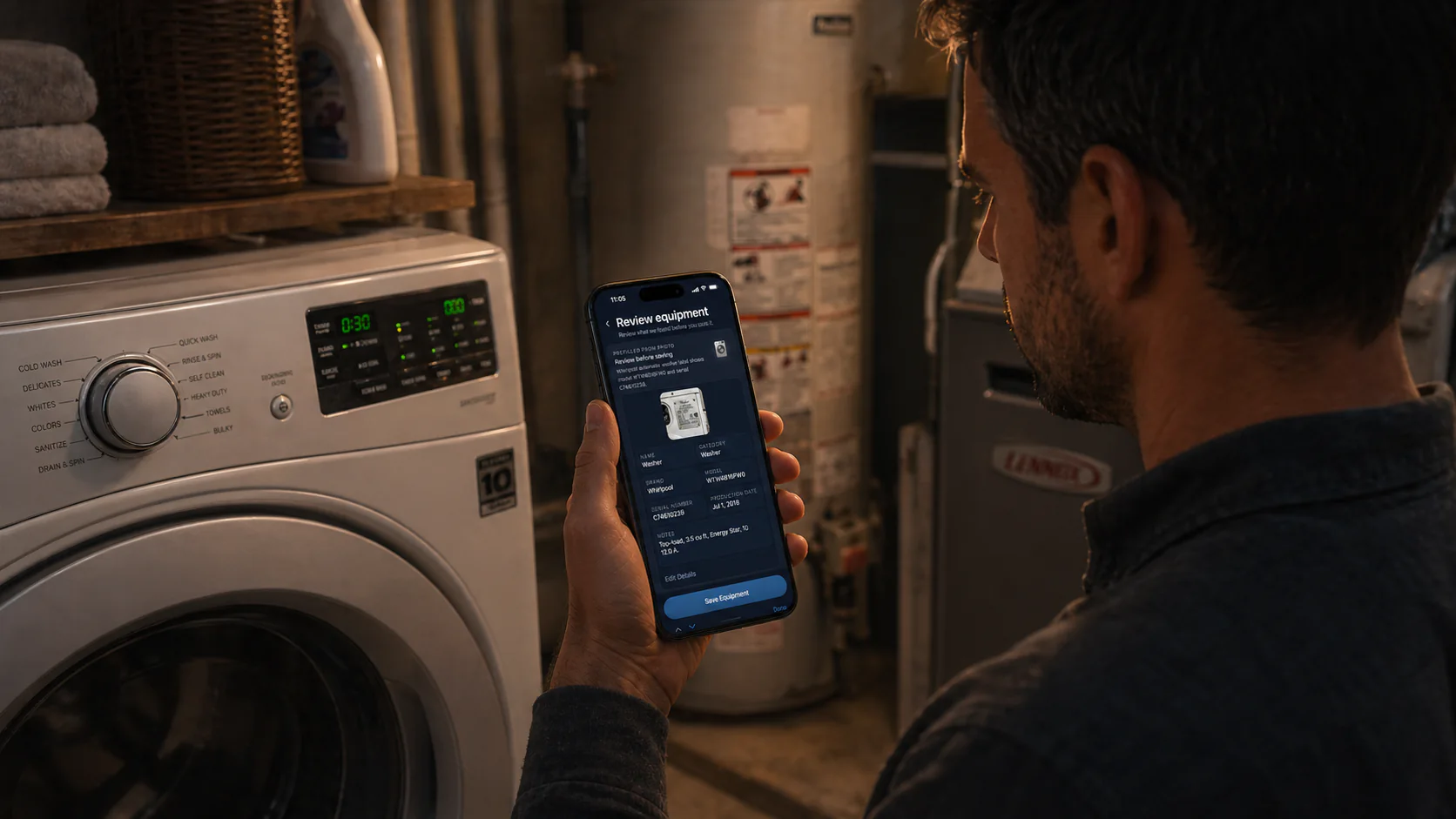
Photo help
See where Add From Photo fits.
The FAQ covers label capture and photo help in the same plain-English flow as plans, sharing, and multiple homes.
FAQ
Quick answers, in plain English
What is Heart Of The House?
Heart Of The House is a calm home management app for tasks, supplies, projects, house history, home equipment details, and practical AI help.
What does home memory mean in Heart Of The House?
Home memory means each home keeps its own tasks, supplies, equipment details, model numbers, serial numbers, projects, notes, and house history so the right context is easy to find later.
Can I share a home with someone else?
Yes. Pro lets you share a home with one other person, which works well for spouses or partners. Portfolio allows up to 5 people per home for larger households or multiple properties.
What is Add From Photo?
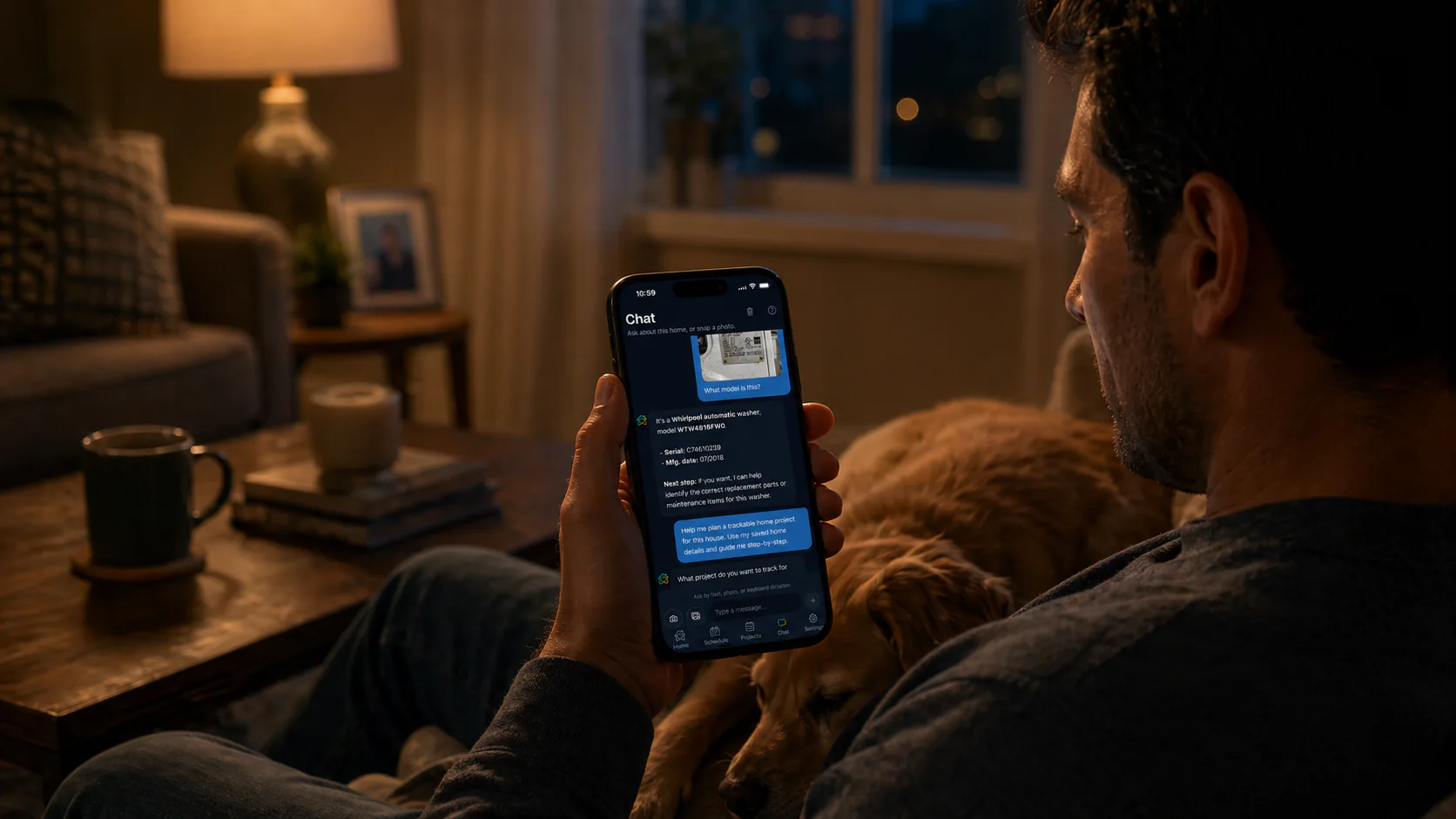
Add From Photo reads an equipment label photo, fills in the saved equipment record for review, and helps you save model and serial details faster.
What can Heart Of The House remember about my home equipment?
It can keep appliance and system details, model numbers, serial numbers, label photos, linked supplies, and replacement notes with the right home.
Where can I use Heart Of The House today?
You can install Heart Of The House from the App Store or Google Play, or use the web app in your browser. One account keeps each home's memory together across iPhone, Android, desktop web, and mobile web.
What’s included in Free, Pro, and Portfolio?
Free is enough to start with one home and begin building a useful home memory. Pro is the plan most households grow into when they want to share a home, save more useful links, and get more room for AI and photo help. Portfolio is for people maintaining more than one property.
Who is Portfolio for?
Portfolio is for rentals, second homes, family places, or small property portfolios where each address needs its own memory and the right people need access.
What counts as AI help?
AI help covers everyday household questions, planning help, photo-based questions, and saving useful details when you ask.
What counts as photo help?
Photo help is for image-based questions and guidance. Add From Photo is separate and is specifically for reading equipment labels and saving details faster.
Can I manage more than one home?
Yes. Free includes one home. Pro supports up to 3 homes, which works well for your own home plus a second place or a parent's home. Portfolio supports unlimited homes and up to 5 people per home. Each home keeps its own tasks, supplies, equipment records, projects, and practical AI help.
How do I upgrade or manage a subscription?
Open Settings in the app to compare plans, start a subscription, restore access, or open the matching billing-management flow for your platform.
Is Heart Of The House professional repair advice?
No. The app provides general home-management guidance, and for safety-sensitive or regulated work you should follow manuals, local code, and licensed professionals.
Related pages
See the fuller product angles
01
02
03
04
05
Overview
Start with the big picture: one calm home-memory system told from the top down.
Home maintenance app
See the recurring upkeep, reminders, and saved-supply angle.
Household management app
See how tasks, supplies, projects, and shared home care stay connected.
Home inventory app
See the equipment-memory, Add From Photo, and linked-supplies story.
Rental property maintenance app
See how the same system scales across multiple homes and properties.